Give your Umbraco editors a Handbook
I’m implementing a new design on an existing Umbraco site. Along with the frontend, I’m moving things around in the backoffice to improve the editing experience. Some block features are going away, others are appearing elsewhere, and the way editors choose colour themes for individual blocks is changing.
To help editors make that transition, I’m writing a guide. It explains how the site’s document types relate to each other, what the properties do, and how to work with the changes. Putting that guide in the backoffice seemed like a sensible next step. It’s where the editors will need it.
So I built Handbook, a package that displays Markdown documentation inside Umbraco. You supply the files, and Handbook gives editors a section with a navigation tree and readable pages.
Markdown in the project, guidance in the backoffice
I chose Markdown because it’s easy to edit and work with. The files can live alongside the implementation, with their history in Git, and follow the project through its environments. If I stored the guide as database content, I’d also need a way to move that content from test to production.
Markdown also works well with the AI agents I use in development. An agent can read the existing guide and update the relevant files when the implementation changes. I still read the result and adjust the wording. More on that below.
For the editor, none of that needs to matter. They open Handbook in the backoffice and read the guide. The documentation format suits my development workflow, while the place they read it suits theirs.
Add a handbook to your site
Handbook has package versions for Umbraco 17 and 18. Choose the version matching your Umbraco major version.
For Umbraco 18:
dotnet add package Umbraco.Community.Handbook --version 18.0.0For Umbraco 17:
dotnet add package Umbraco.Community.Handbook --version 17.0.0Then add the documentation directory to your existing appsettings.json:
{
  "Umbraco": {
    "Community": {
      "Handbook": {
        "DocumentationPath": "Documentation"
      }
    }
  }
}
That relative path resolves from the application’s content root. Create the directory there and add your Markdown files. The authoring guide uses this structure:
Documentation/
  README.md
  posts/
    README.md
    create.md
  publishing/
    workflow.md
  images/
    example.png
Folders become the navigation tree. A folder’s README.md provides its introductory page. Without one, Handbook shows an overview of the folder’s immediate children.
You can add optional frontmatter to give a page a title, description and position in the navigation:
---
title: Create a post
description: Prepare your first story for publication.
order: 10
---
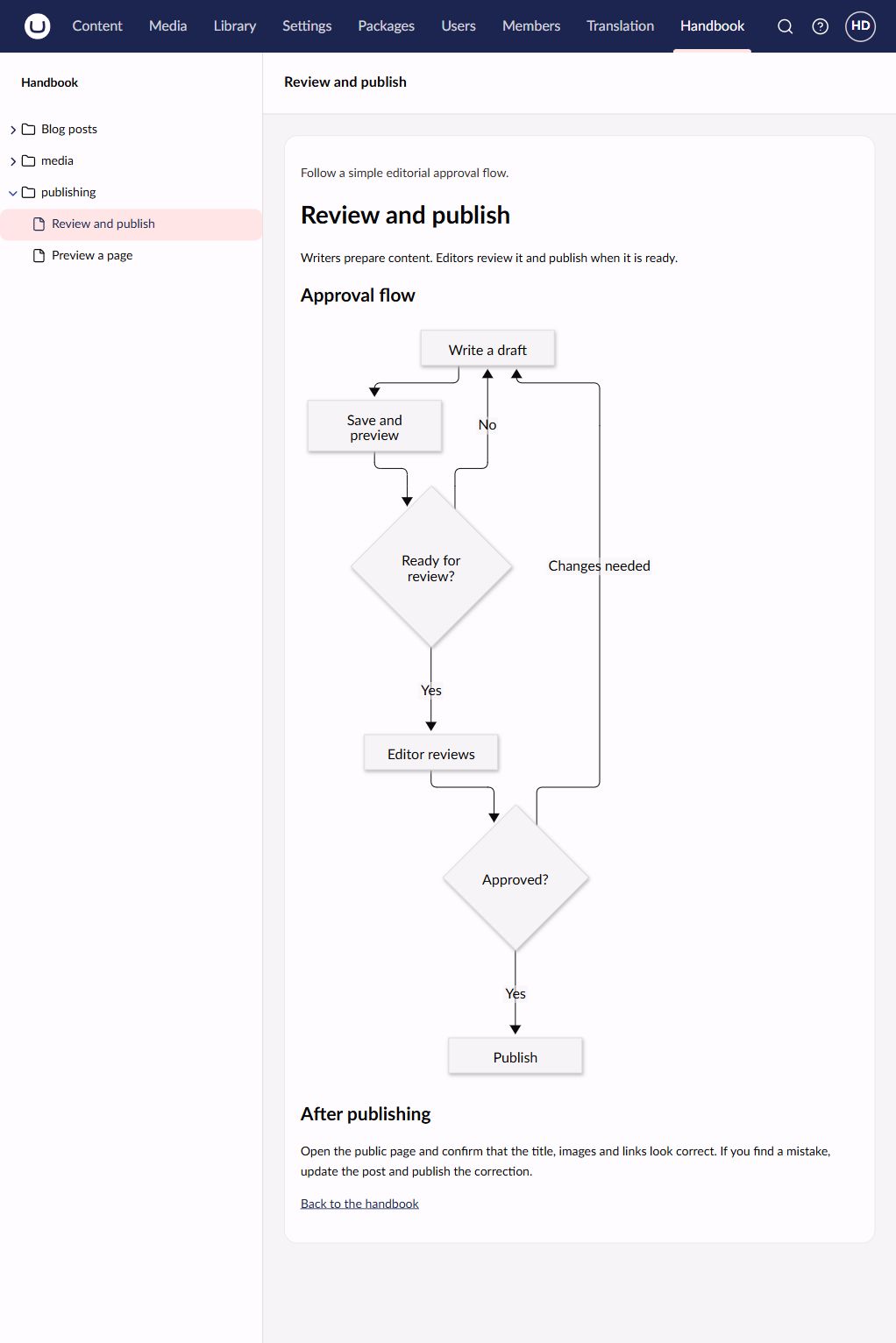
Without a frontmatter title, Handbook uses the first H1 or falls back to the filename. Relative links let you connect the guides, and local images let you include screenshots. Tables, task lists and Mermaid diagrams are supported too.
Make sure your deployment includes the documentation directory and that the account running Umbraco can read it. Keep it outside wwwroot and other publicly served directories.
At first installation, Handbook grants section access to Administrators, Editors, Writers and Translators. You can change that under Users / User Groups; custom groups need access assigned manually. Everyone with access to the section can read the entire configured documentation directory.
Keep it up to date with the implementation
On this project, I have an agent help maintain the guide as things change. It edits the existing Markdown files or adds new ones, and I read through the result and make corrections. When I change the implementation manually, I update the documentation manually too.
That keeps the guide in the same workflow as the work it describes. A change to how a block handles colour themes can come with a change to the explanation of those settings, and Git records both.
Handbook’s job is to display those files. It doesn’t write the documentation or edit it in the backoffice. The agent is part of my project workflow, not a feature of the package. I still need to check that the guide describes the implementation correctly and makes sense to the people who will use it.
An editor’s manual for your project
The redesign prompted me to build Handbook, but the same setup works for a new solution that needs an editor’s manual. You can document how the site’s content fits together and keep those explanations available in the CMS.
You can find Handbook on Umbraco Marketplace, with the source on GitHub. The installation and authoring guide covers the file conventions and supported formats.